

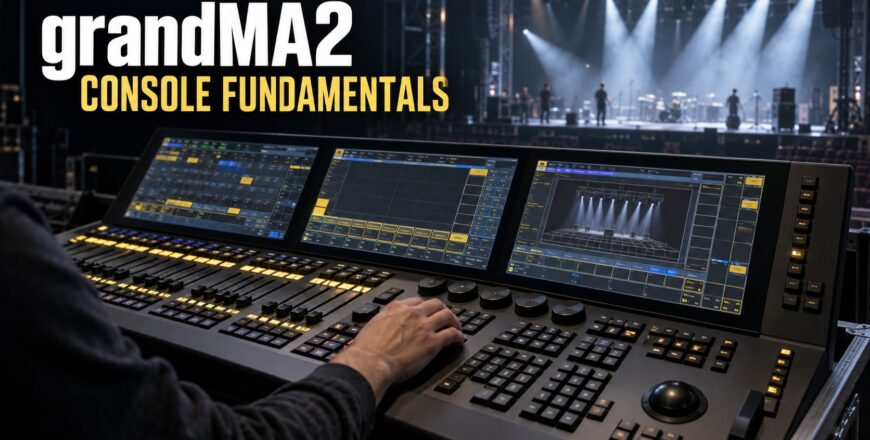
grandMA2 Console Fundamentals

- Description
- Curriculum
- Reviews
-
1
 Front Panel
Identify the grandMA2 front-panel controls, screens, executor sections, encoders, trackball and console navigation tools.
-
2
The Back Panel
Explore the power, display, DMX, network, MIDI, timecode, audio and remote-control connections available across the grandMA2 console range.
-
3
 Quiz 1 — Console Hardware
 -
4
The Backup Menu
Learn how to create, load, save, duplicate and manage show files, including USB storage, older software versions and automatic backups.
-
5
SETUP Overview
Understand how the Show, Console, User and Network tabs organise show data, desk settings, user preferences and network configuration.
-
6
Network Protocols
Configure MA sessions, identify MA network devices and activate supported external DMX-over-network protocols.
-
7
Quiz 2 — Show Files, Setup and Networking
-
8
Patching
Add fixtures from the library, assign IDs and DMX addresses, locate free channels, configure multipatches and diagnose patch errors.
-
9
Fixture Editor
Customise fixture defaults, highlight values, snap behaviour, parameter inversion, move-in-black timing, modules, instances and wheels.
-
10
Quiz 3 — Patching and Fixture Configuration
-
11
Views
Build, store, move and copy efficient screen layouts across the console and external displays.
-
12
Special Dialog
Use the multi-touch colour and shaper interfaces to control colour mixing, gel references and framing shutters.
-
13
Quiz 4 — Views and Special Dialog
-
14
MAtricks
Create repeatable fixture selections and alignments with interleave, blocks, wings and separate X/Y control.
-
15
Macros
Build command-line macros, add timed steps, import predefined macros and assign them to X keys.
-
16
Quiz 5 — MAtricks and Macros
-
17
Presets
Work with Selective, Global and Universal presets, preset-based defaults, stored timing and Fast Call operation.
-
18
Quiz 6 — Presets
-
19
Quick Start for Theatrical Programmers
Create groups, presets, sequences and cues; manage timing, cue numbering, copying, deletion, tracking and updates.
-
20
Quiz 7 — Theatrical Programming
-
21
OOPS
Configure undo behaviour, review multiple previous actions and understand the limits of OOPS recovery.
-
22
Quiz 8 — OOPS and Operational Recovery